
As a responder, you can stream live video and audio from an incident using the NowForce mobile app. These features only become available once you confirm that you have arrived at the incident location.
Streaming Live Video and Audio from an Incident
- Tap Confirm on the Responder screen once you receive notification of the incident.
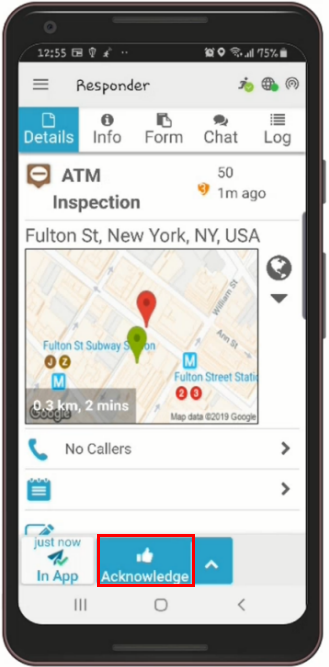
- Live Stream and Channel PTT icons appear.
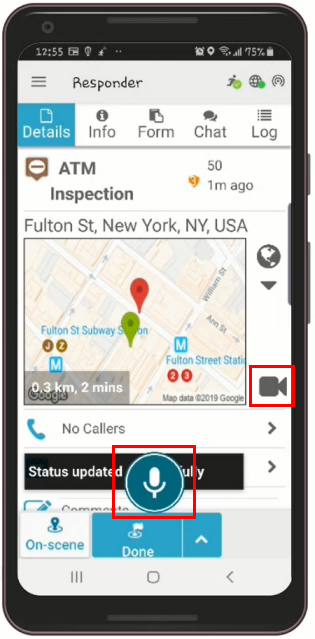
- Tap the Video icon to stream live video to the Dispatcher.
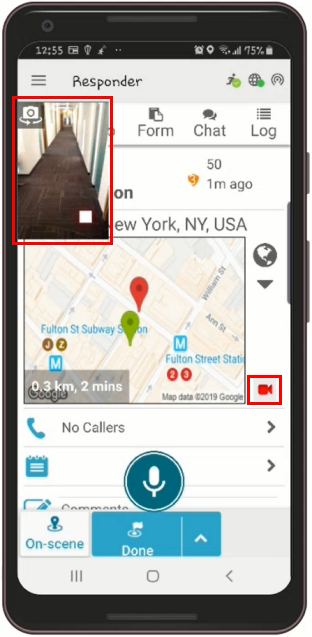
- The Video Display area is enlarged.
- The Video icon turns red to indicate that you are streaming live video.
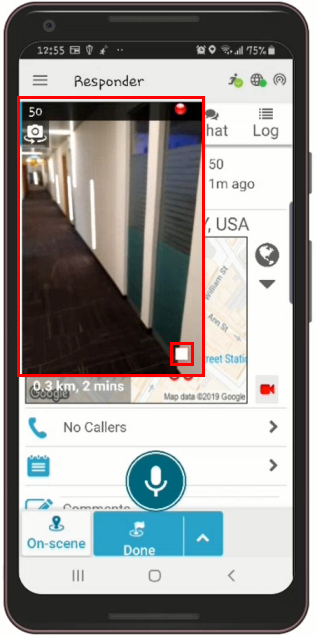
- Tap the Stop icon in the bottom right of the Video Display area to stop the live stream. You can tap the Video icon again to resume live streaming.
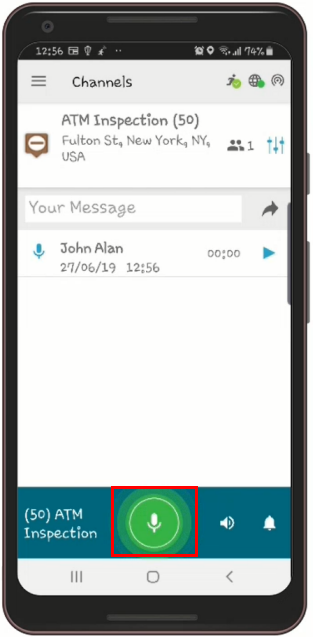
- Hold down the Channel PTT icon to speak with the dispatch operator.
Using the steps above, you can easily and quickly stream live video and audio from the NowForce mobile app during an incident.
