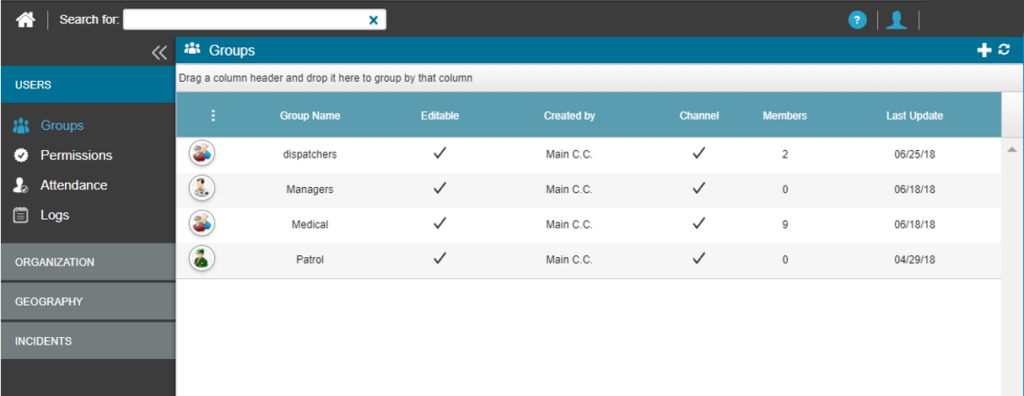
Groups are one of the most important features in the system because they affect user management throughout the system. Group functionality is used in the Dispatcher, Messaging, and PTT channels. In the Dispatcher, groups provide access to user data, allow you to create dispatch rules, and display users on the map based on the group.
It is advisable to keep the group structure neat and simple when defining groups. This means keeping the group structure as close as possible to the actual structure in the organization and only creating the groups you truly need. Having unnecessary groups requires more effort in managing and maintaining groups when adding new users to the system.
Follow the steps below to manage groups:
Step 1: Go to Settings
- On the Main Screen, select the Settings icon (gear).

The Groups section will open in a new tab. Here you will find a list of all groups in the organization and their related information.